Host guides
Photographing food with your phone: light, framing and honest detail
Show your cooking clearly: find suitable light, frame the dish and photograph the portion you plan to serve your guests.
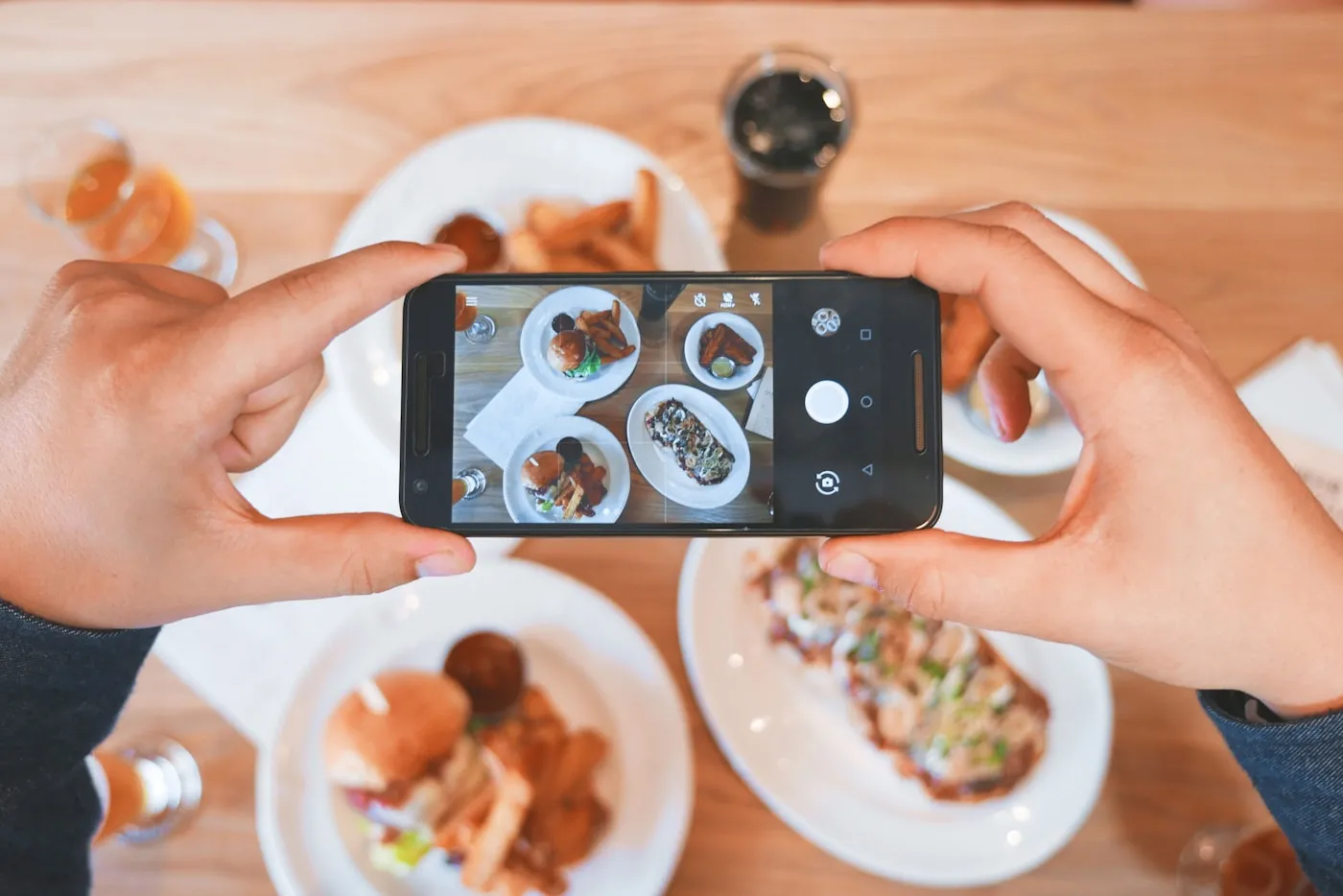
A good food photograph helps someone reading your menu picture what will arrive at the table. Your everyday phone can be enough: light, framing and an honest representation of the dish matter most. Aim to show the details that make your cooking recognisable, using a presentation you can recreate when you welcome guests.
Find light that keeps colours believable
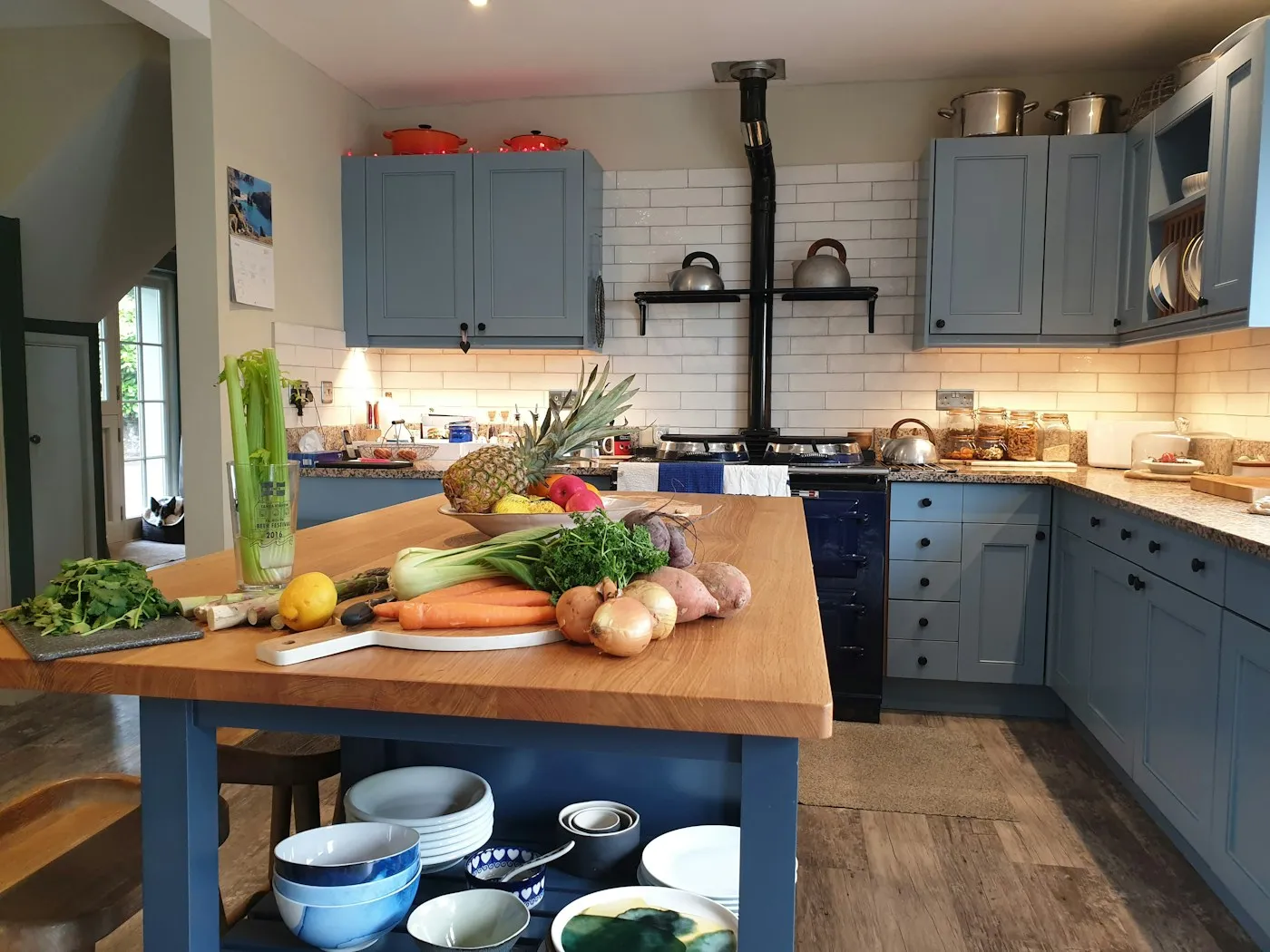
Start near a window and notice how the light falls across the food. Move the plate until you can see the ingredients, textures and edges clearly. If one area looks very dark, change your position in relation to the window. That small adjustment can make the whole photograph easier to understand.
Look at the surroundings as well. A lamp next to daylight can introduce different colours into the same picture. Choose even lighting and check that the white of the plate and the colours of the ingredients resemble what you see in front of you.
Let the dish guide your camera angle
Look at the plate from above, from the front and slightly from the side before taking a photograph. A flat arrangement may be clear from above, while a dish with layers or height may tell its story better from the side. Choose the view that makes its shape understandable without an explanation.
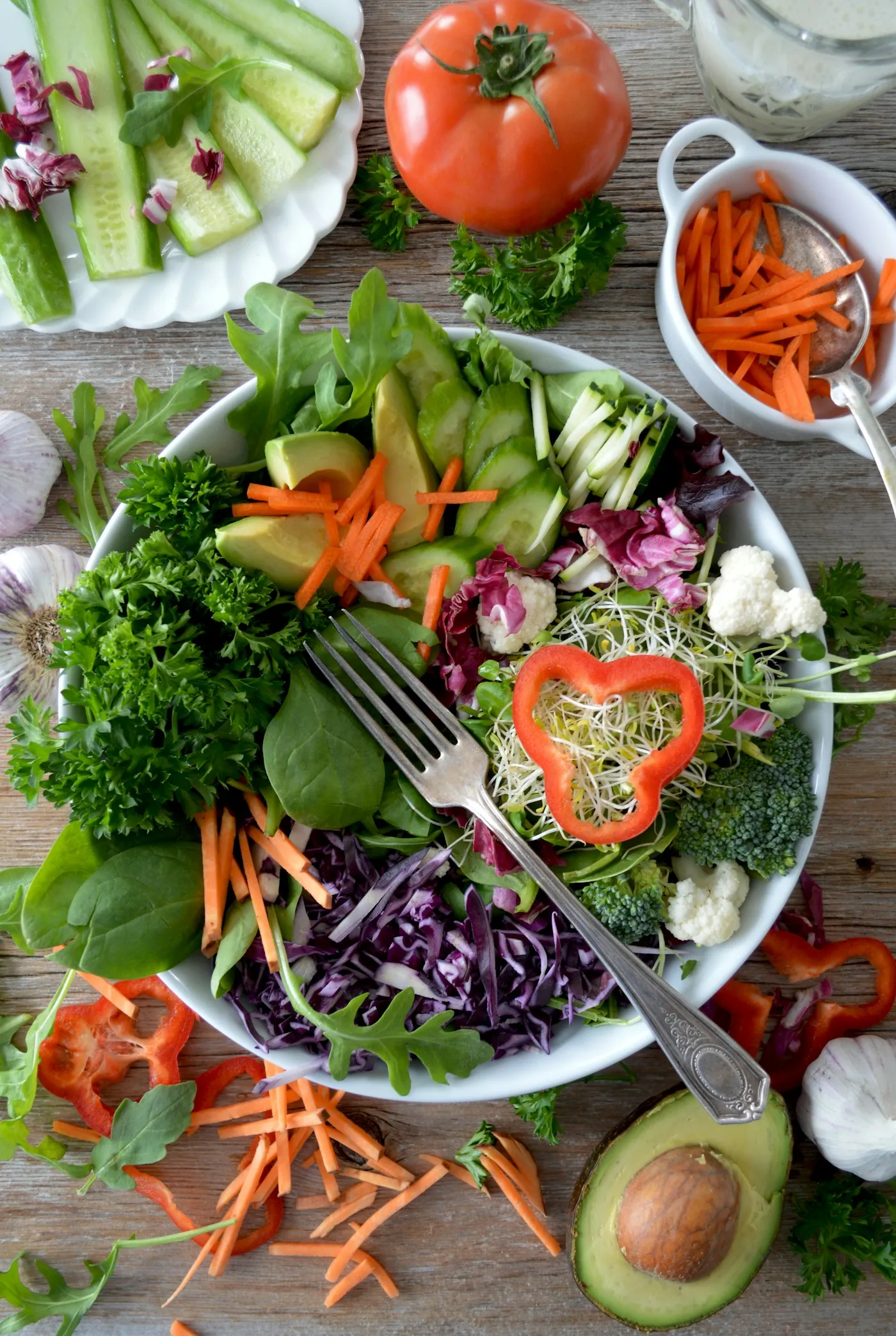
Leave some space around the plate and check the corners of the picture. A piece of cutlery cut in half or a bottle in the background can draw attention unintentionally. Rest your arms comfortably, clean the lens and move closer with your phone until the composition feels simple and clear.
Photograph the portion you plan to serve
Show the dish as you intend to present it to guests. Its portion size, accompaniments and garnish should match the menu description. If you are preparing a dish for sharing, show how it will be served: a serving dish communicates something different from an individual plate.
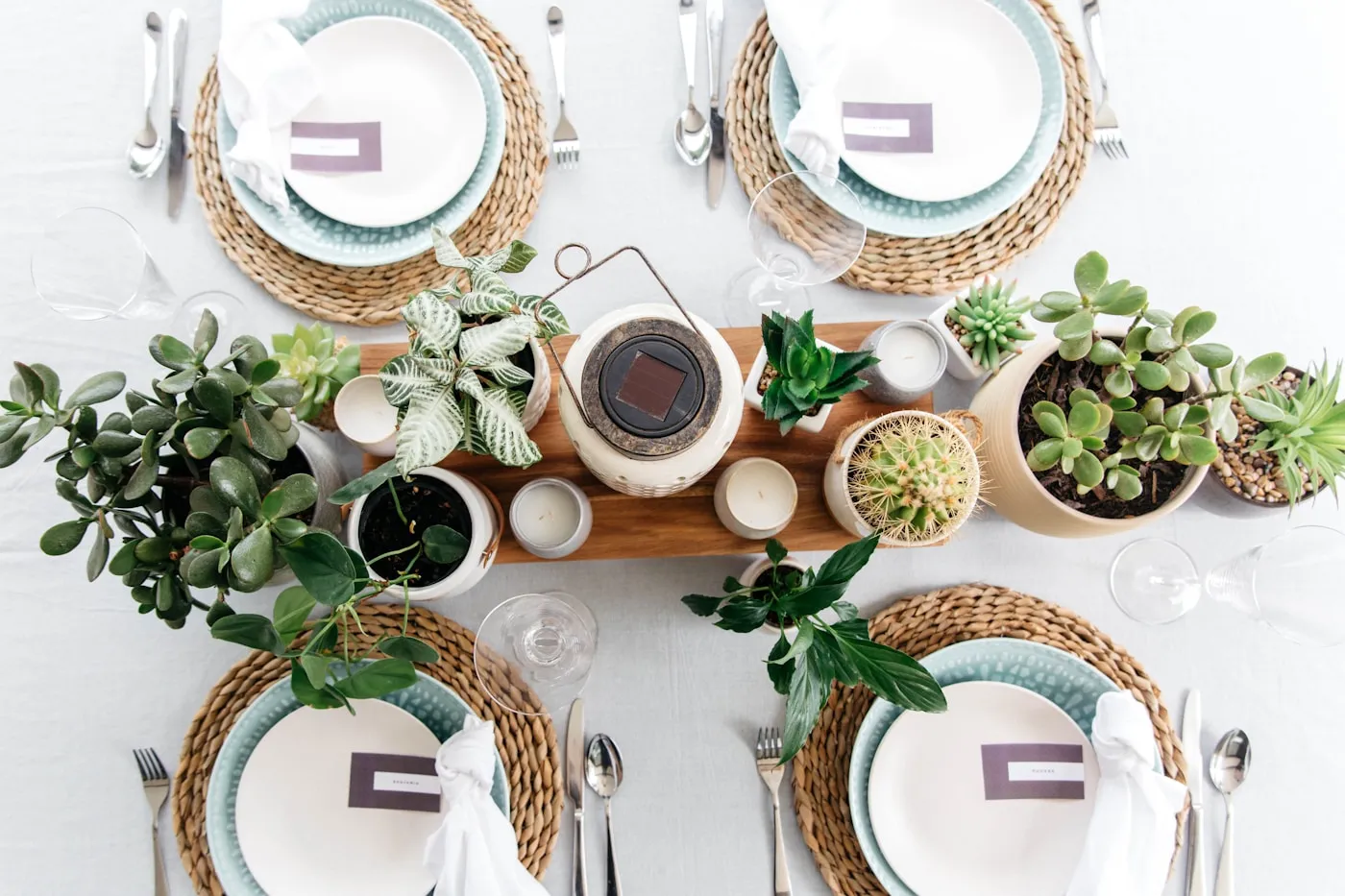
Add just a few useful details, such as a napkin or the cutlery you will use. A crowded table can make it difficult to tell which elements belong to the menu. To bring the image and the words together, read our guide to describing a home restaurant menu.
Choose photographs that add useful detail
Review your pictures on a screen large enough to notice the details. Look for sharpness, believable colour and a composition where the food is immediately recognisable. One photograph might show the whole course and another an interesting detail. Each image should add something to the previous one.
- Is the part you want to show in focus?
- Can you distinguish the main ingredients?
- Does the photograph represent the intended portion?
- Does the background give the food room to stand out?
If you crop the image or adjust its brightness, compare the result with the actual dish. Keep the textures and colours that guests will be able to recognise at the table.
Build a small, consistent collection
Use a similar setting for the different courses. A consistent background, light and distance help people see how the dishes belong together. When a recipe changes visibly, choose a photograph that represents the new version rather than relying on a picture of an earlier dish.
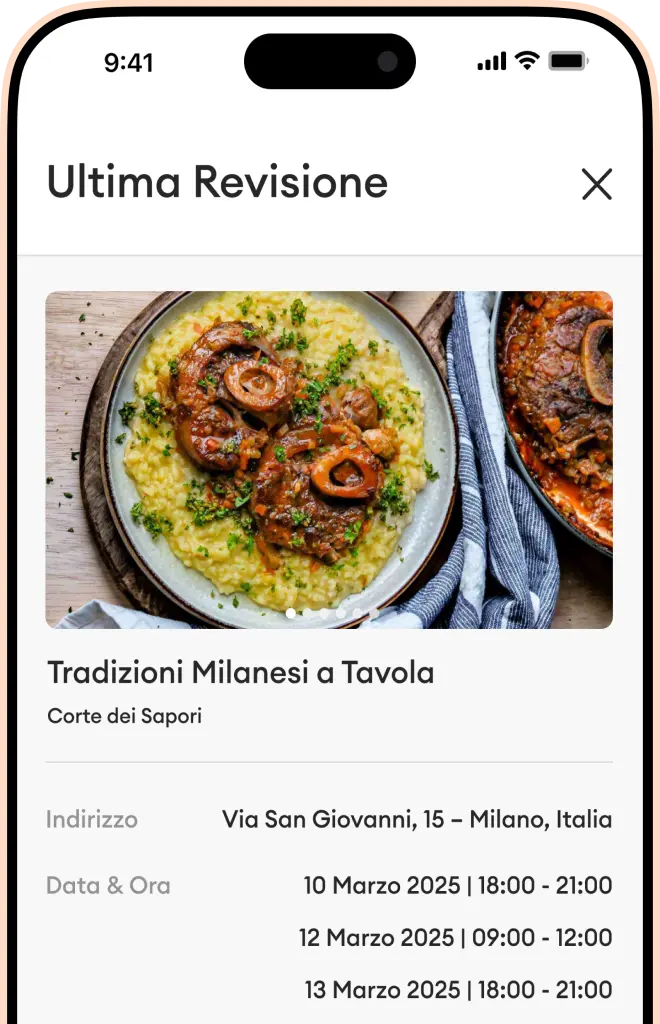
You can carry the same colours through to your table. Find ideas in our guide to creating a welcoming table setting. Prepare your photographs, reread your descriptions and download Horecos to put your menu together in the app.