Guest guides
Reading a menu: from dish names to what is included
Read the descriptions, look at the photographs and check what is included to find a meal you would enjoy.
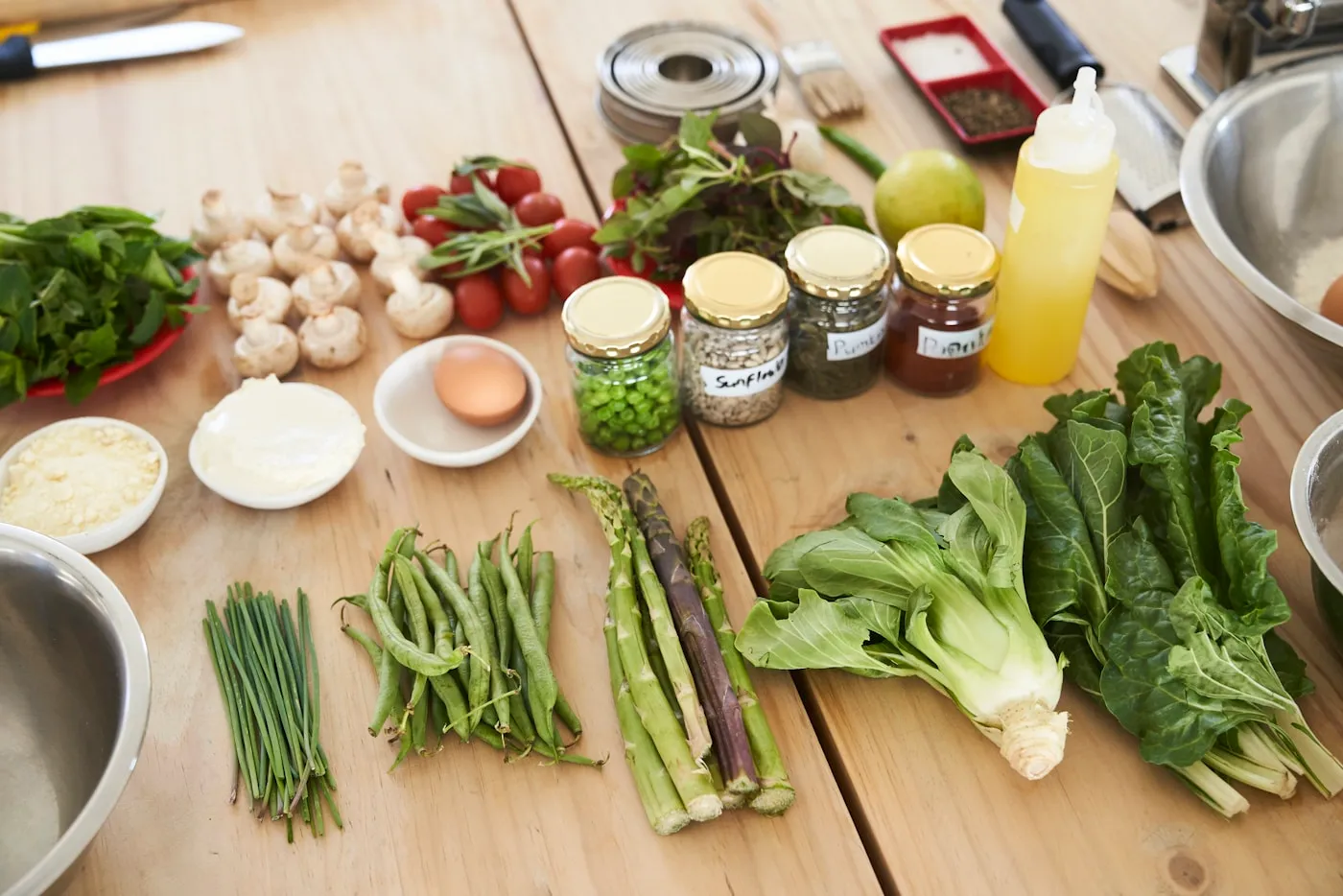
A menu can catch your attention in just a few words. When choosing dinner, it is worth going beyond the title and imagining how those dishes will come together as a meal. Reading a menu carefully means connecting names, descriptions and inclusions until you have a clear idea of what you are choosing.
Move from the title to the dishes
Begin by reading the menu from start to finish. Identify the dishes and look in the description for the details that characterise them: ingredients, preparations or accompaniments mentioned by the host. Even if a name is familiar, pay attention to how it is described on this particular menu.
The host’s words may describe their own interpretation of a recipe. That detail makes the reading interesting. You might recognise a dish and discover a choice that differs from the version you know. Note what makes you curious and which details you would like to clarify.
Picture the meal as a whole
Look at how the courses connect. Does the menu describe a sequence, several dishes for sharing or a meal built around one main dish? Use the available description to understand the arrangement. This helps you choose according to the occasion and the people joining you.
Consider your own preferences, too. You might look for a menu centred on an ingredient you love or a combination you would like to try. Comparing the whole meal is more useful than deciding from one photograph because it allows you to consider every part of dinner.
Understand what is included
Read the information about drinks, accompaniments and other elements of the meal. If you want to know whether something forms part of the menu, look for an explicit description and contact support when an essential detail remains unclear. Concrete information makes the choice easier.
Before sending a request, check the summary and total shown in the app, including any applicable fees. Connect that total with what you have read. If you are organising dinner with other people, share those details alongside the menu so everyone can consider the same experience.
Use photographs to ask precise questions
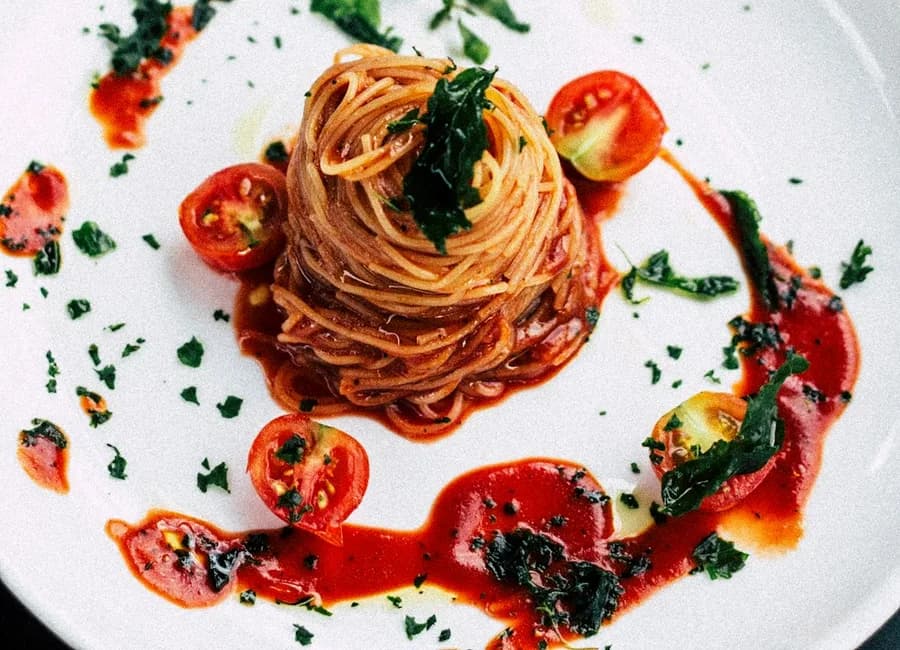
Photographs help you observe colours, presentation and setting. Look at them alongside the text. If you notice an element that interests you, check how it is described. A specific question about a dish or an inclusion is easier to clarify than a broad question about the entire experience.
You can communicate personal requirements in the request notes. First read the available ingredient information. If you have a question that is essential to your choice, contact support before sending. For the next step, see our guide to making a booking request.
Compare two menus on the same points
If you are undecided, return to the things that matter to you. A short comparison can reveal what distinguishes the menus and which one fits your occasion. For a shared dinner, read our guide to making plans with a group of friends.
- Which dishes make up the menu?
- What is listed among the inclusions?
- What total is shown for the request?
- Which detail makes you want to choose that particular table?
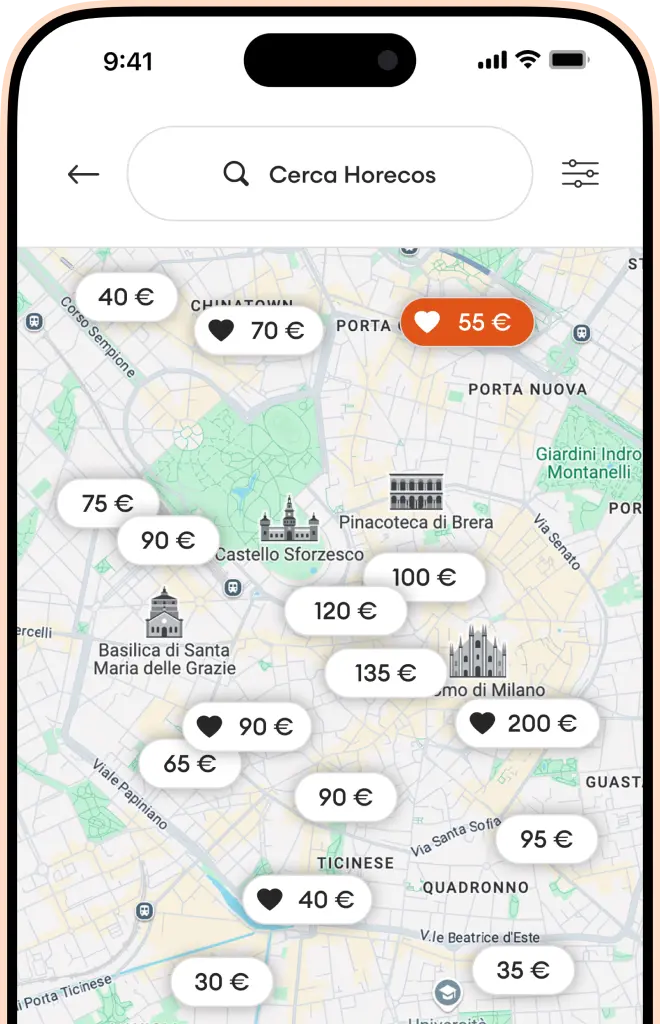
Check actual menu availability in the app. Download Horecos, open a menu that interests you and spend a few minutes getting to know it. Discovery can begin with the reading.