Host guides
Hosting with Horecos: preparing your first menu and table
From choosing dishes to describing them in the app: build a clear menu and a welcome you can organise with care.

For your first menu, choose something you want to share and can organise with care. Before deciding how many courses to add, ask yourself what you want guests to find: which dishes, what pace and what atmosphere. Those choices can help you create a table that feels like yours.
Choose an idea that brings the dishes together
Start with a recipe you know well or a combination you enjoy making. Build the rest of the menu around that idea, looking for a connection between the flavours and the pace of the courses. A focused proposal, described accurately, helps guests understand what to expect.
Picture the work during the meal, too. Which dishes will need your attention at the same time? When will you be able to welcome guests and talk to them? Thinking through the organisation helps you choose a sequence you can manage. If you want to offer a new recipe, practising before adding it to the menu gives you a chance to check the timing and presentation.
Write for someone who has never tried your food
An evocative name can tell a story about your cooking, but it also needs an understandable description. Explain the dishes, ingredients and what the menu includes, so the words and photographs describe the same experience. If drinks or other elements are part of the proposal, describe them clearly.
Read the text from the perspective of someone making a choice. Can they tell what they will receive? Can they distinguish the courses? Does the information match what you can offer every time? Our guide to sending a first booking request shows which details guests are encouraged to check.
Use photographs and words that tell the same story
When preparing photographs for your listing, show the dishes and spaces guests can actually expect. Pay attention to the framing and remove distractions while keeping a faithful picture of your table. Choose light that makes the details easy to see and a viewpoint that shows what you have prepared.
Use your profile to describe what you want to share through cooking. Specific details are enough: what you enjoy preparing, how you chose the menu and the kind of welcome you hope to offer. Write as you would describe your proposal to someone about to join you at the table.
Plan places, timing and the welcome
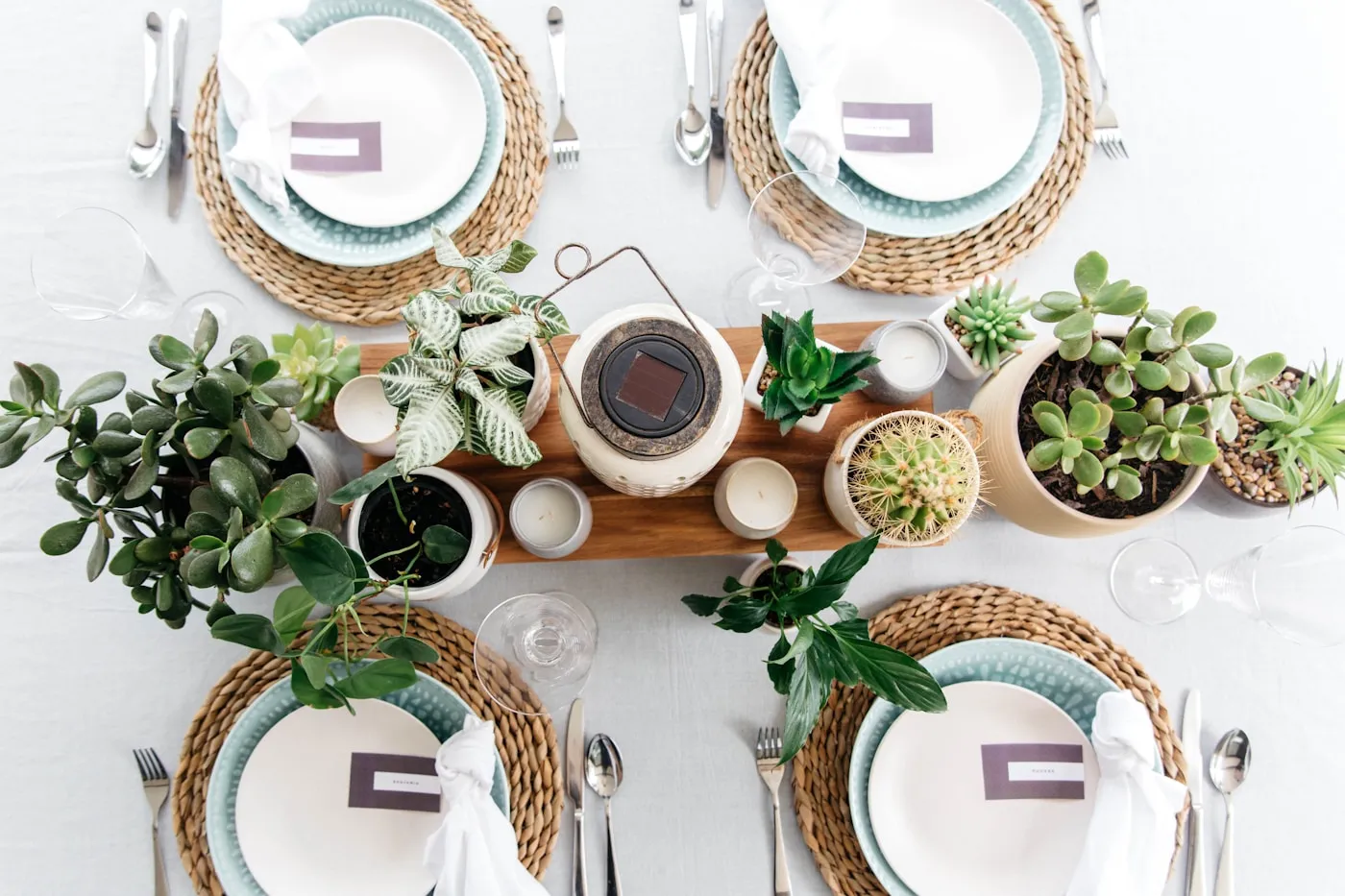
Decide how many people you can comfortably welcome and how you will organise the meal. Consider the table, seating and space needed to serve the dishes. Choose dates and times that fit the time you can give to preparation and welcoming guests, including the time before guests arrive.
Make a simple sequence: welcome guests, show them where to sit, introduce the menu, serve the food and say goodbye. Thinking through these small steps in advance lets you give more attention to the people around you while you are cooking. Even a simple table can be arranged with thought.
Complete the setup and prepare your listing
On Horecos, you begin with a host profile and the required activation steps. Before offering an experience, complete the information requested during setup and read the service terms. Then return to your proposal with the information you need to present and manage it.
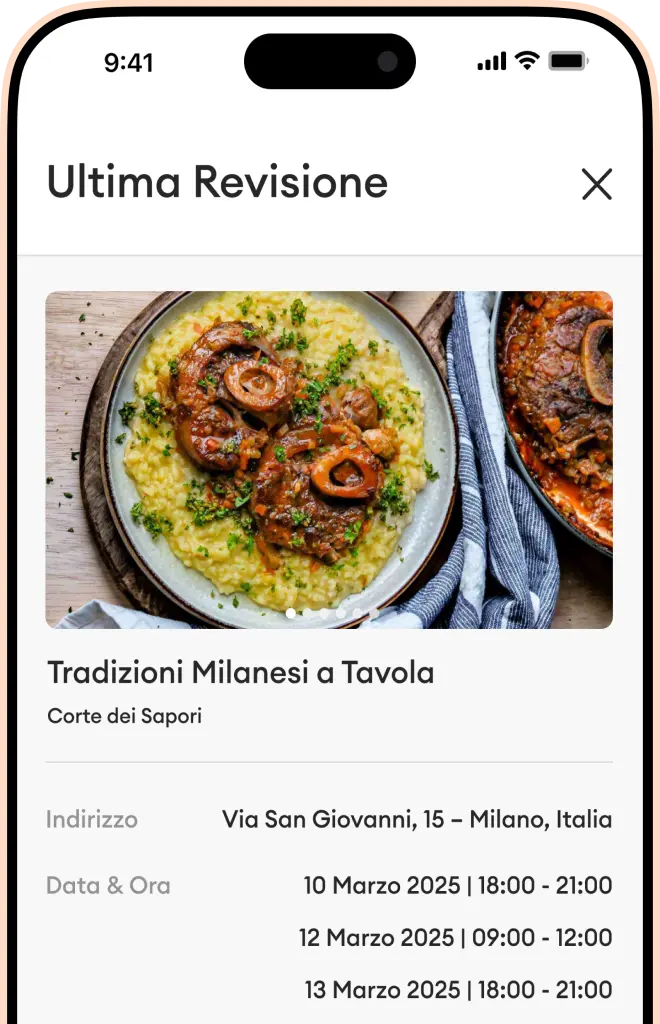
In the app, you can set menus, prices and availability, and manage guest requests. Read each request and its notes before accepting it. Acceptance confirms the booking and captures the guest’s payment through Stripe, so give that step the same attention you gave to the menu.
- A menu with clearly described dishes and inclusions.
- Photographs that match what you will offer.
- Checked capacity, price, dates and times.
- A completed profile and activation process.
- An organisation that leaves room for welcoming people.
Would you like to see the idea from a guest’s perspective? Read how we introduce the home restaurant experience. When you are ready to begin, download Horecos and build your host profile in the app.